IN YOUR BROWSER
Design online.
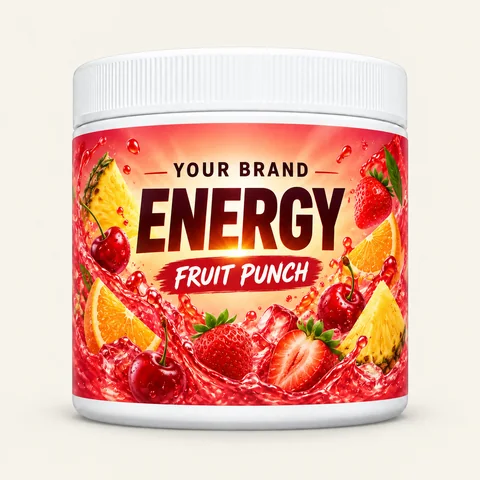
Make your own label with text, images, shapes and layers. Start with an OSM layout, or bring your own agent to help.
Open Label Studio →A visual idea. Your complete label is a separate step.
 Muse AI
 Grok Bot
 ChatGPT
Quick links
No matches. Try a flavor, samples or label design.
LABEL TOOLS / U.S. PRODUCTS
Try your brand on a jar online, or download an editable file to work in Inkscape. No Adobe subscription needed.
IN YOUR BROWSER
Make your own label with text, images, shapes and layers. Start with an OSM layout, or bring your own agent to help.
Open Label Studio →A visual idea. Your complete label is a separate step.
ON YOUR COMPUTER
Use a flat label for the full design. Use a separate jar mockup to see how your brand could look.
Download editable templates ↓Free SVG files for Inkscape, plus a PDF reference.
General starting points, not a full compliance checklist or legal advice. Rules vary by product, claim and market. You are responsible for independently checking your label and claims.
01 / ASK OSM FIRST
Ask for the current product facts, net contents, directions and warnings for your SKU. The blank design starters below help with layout; OSM must confirm the final template and print setup. Ask OSM for the correct file →
Our studio helps you explore a look. It does not generate a compliant label, fill in regulatory information or produce a print-ready file.
EDITABLE SVG / PDF REFERENCE
These original OSM files contain no formula facts. They are design starters, not approved printer files. Confirm bleed, safe area, printer stock, jar fit and current product facts with OSM before production.
Focus, Energy and Hydration.
Flat label trim: 8.875 × 2.25 inches.
Corner radius: 0.125 inches.
Skin Hydration / Moisturizing Cream only.
Flat label trim: 6.5 × 1.15 inches.
Other creams: ask for the correct file.
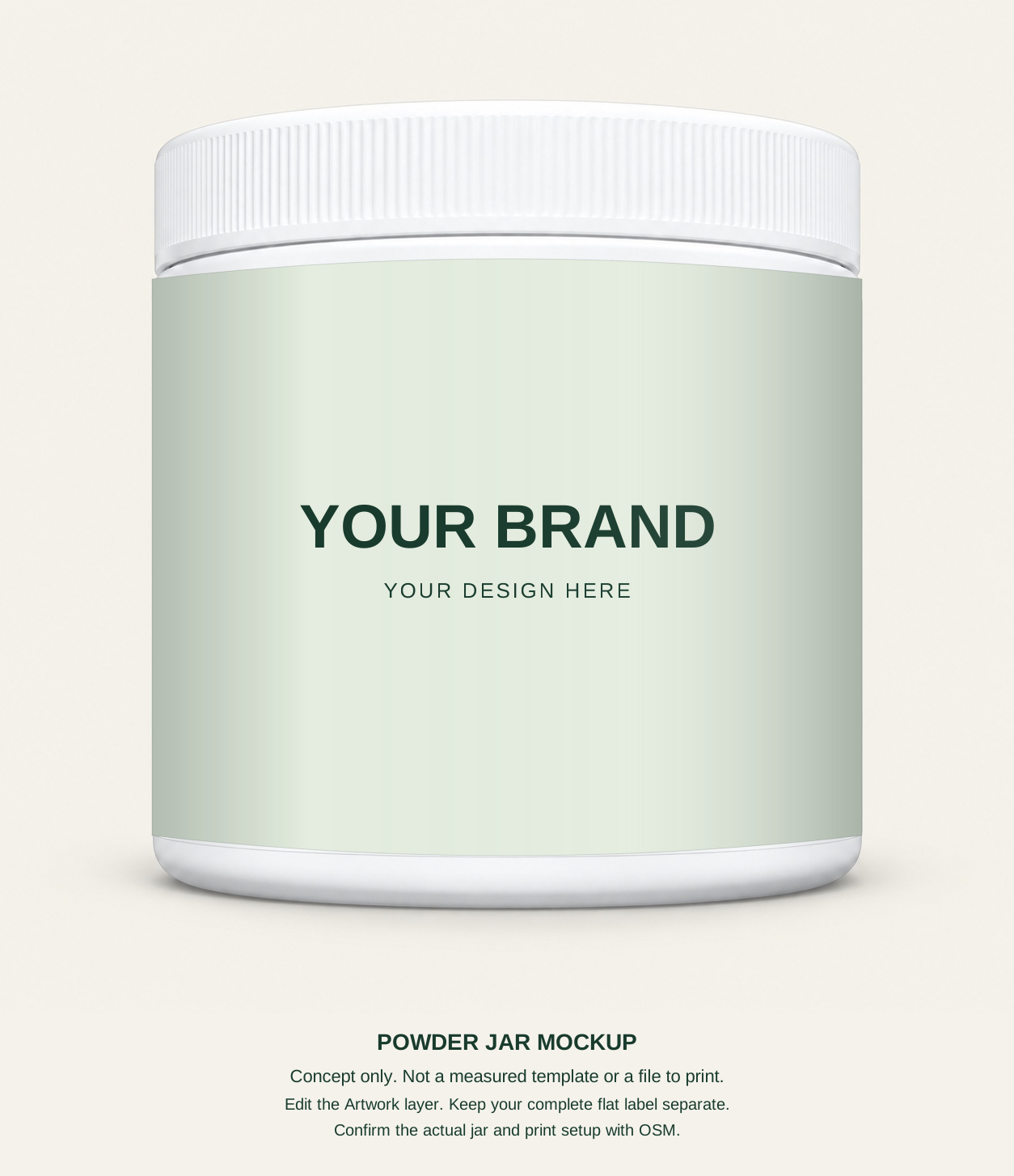
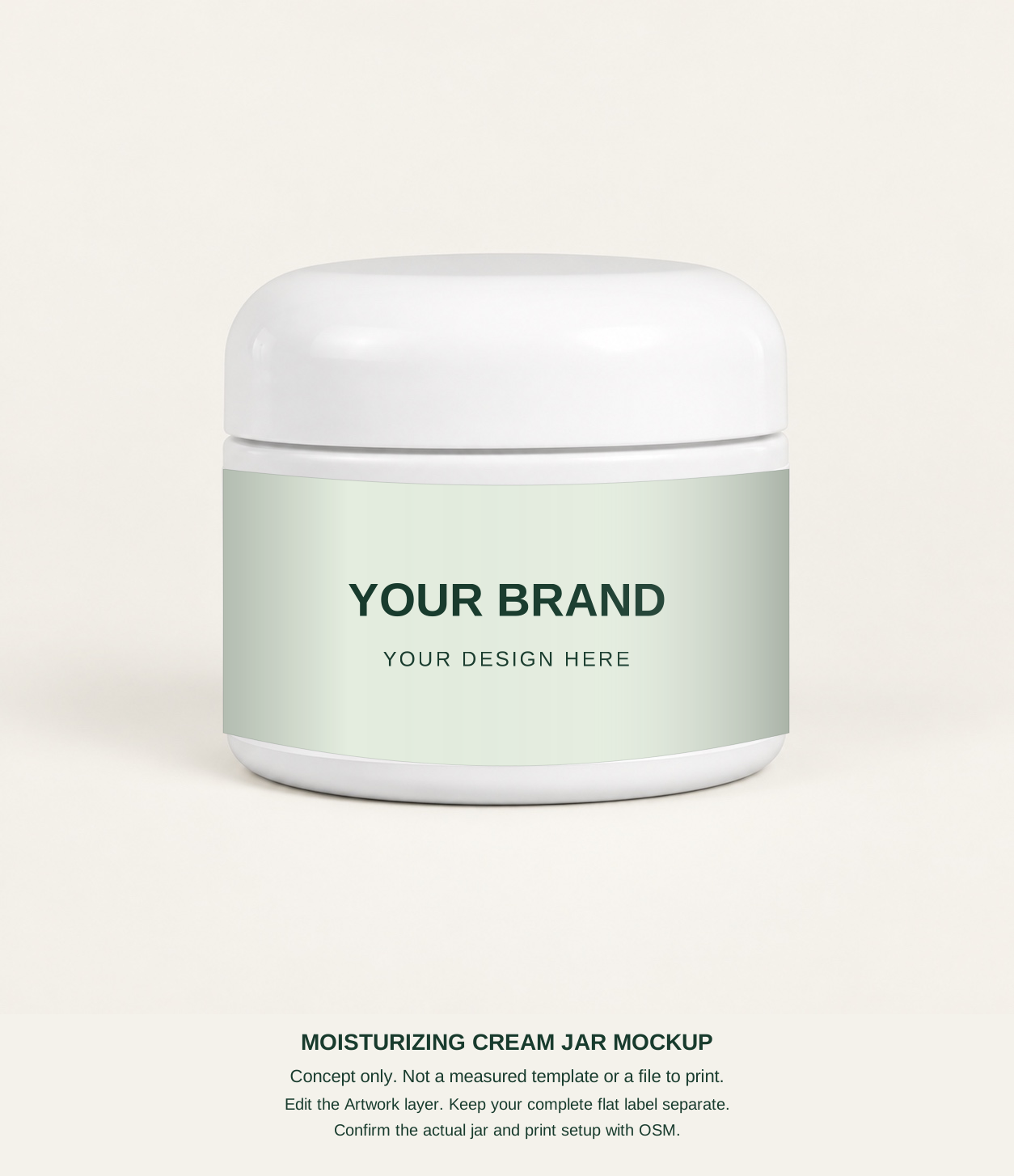
Flat label or mockup? The flat label holds every panel. A jar mockup is a front-view concept with editable artwork over an included jar photo. Its photo shape is not a measured packaging template. It is not a full wrap or a file to print.
The jar photos are included in the SVG. Text, colors and artwork are editable; the photo itself is a fixed background. These are SVG files, not Adobe AI or PSD files.
Submit one full flat PDF, PNG or JPEG, including all panels. A blank starter, jar mockup or studio concept is not a complete label.
02 / PLAN THE WHOLE LABEL
This is a layout sketch, not a measured template. Confirm panel placement, type size, contrast and print setup for the actual container.
Product identity
Identify it as a dietary supplement
Use the verified facts for this exact formula and serving size.
Ingredients
Manufacturer, packer or distributor name and place of business
Required information belongs together. Do not insert decoration or a barcode between it.
The information panel is generally immediately to the right of the front panel. Check additional rules for claims, allergens, warnings and contact details. Do not invent a facts panel or copy one from another product. FDA supplement labeling guide ↗
Confirm the product’s classification before using cosmetic rules. A cream’s intended use and claims may change which requirements apply.
What the product is
Use an accurate cosmetic identity
Use the confirmed cosmetic ingredient list and required naming/order.
Business name and address
Required warnings and safe-use information
A cosmetic cream does not use a Supplement Facts panel.
Cosmetic claims must match the product. Claims about treating disease or changing body structure or function can make a product a drug. Check all required wording, placement and legibility with a qualified reviewer. FDA cosmetic labeling requirements ↗
MoCRA adds responsibilities for the company named on a cosmetic label. These include a domestic address, domestic phone number or electronic contact for adverse event reports. Safety, reporting and other duties may also apply; confirm your role and any exemptions. FDA MoCRA overview ↗
Standard OSM label printing and application is $0.88 per jar for small orders. Where a ready-made jar estimate says labels are included, this cost is already included, not added again. Custom formula label costs are confirmed in your quote.
The $0.88 standard rate covers label stock, ink and routine application for small orders. Larger label runs may be quoted lower. Send your complete label file for review and wait for written go-ahead. Label design and compliance work are not included. Supplying your own printed labels does not automatically reduce the estimate; any adjustment is confirmed in your quote.
03 / COMPLETE FILE, THEN REVIEW
OSM’s review is courtesy feedback, not a compliance certificate, legal advice or FDA approval. You remain responsible for your label and claims. This does not remove any party’s duties under applicable law.
OPTIMAL SOLUTIONS MANUFACTURING
Contract manufacturing for small and growing brands. Powders, capsules, tablets, stick packs and creams. Let’s talk about what you want to make.
Made for your brand. Based in Anaheim, California.
CHOOSE YOUR START
Choose the path that fits your budget and how much you want to change.
Start with an existing product and add your brand. No new formula development. Smaller batches make it easier to test an idea. We ship your batch to you for resale.
10 Moisturizing Cream jars: $68.50Product subtotal; shipping and tax separate. Final quote required.
Intro price ends October 31, 2026 at 11:59 p.m. Eastern.Start with an OSM base and request changes. Larger runs spread setup work across more jars and can offer better value for a custom product.
We can compare both paths for your budget. Final pricing depends on formula, fill, packaging and setup. No account is needed to ask. Send your complete label later.
Have a lower quote? Email it to sales@osm.gg. We’ll compare the product, label and shipping costs.
CUSTOM POWDERS + CREAMS / A SMARTER START
Build an energy, focus, hydration, sleep, pre-workout or cream brief. Cream choices include skincare bases and specialty requests that need review. Start with our base formulas and regularly used packaging, then explore the details that make it yours.
250–500 units minimum depending on your formula. Larger runs and repeat orders can mean better pricing, confirmed in your quote.
A FORMAT FOR YOUR PRODUCT
A powder range with your brand and your product plan.
↗Discuss your formula, unit size and packaging.
↗Choose the tablet format that fits your project.
↗Portable packs and pouch options for your range.
↗A separate path for your topical product.
↗WHITE LABEL BY OSM
Start with a ready-made formula and sell it under your brand. Pick your product and quantity. Your complete label can follow later.
A CLEAR PATH FORWARD
Hands-on help for your next product.
A clear plan before production begins.
Share your product, format, quantity and what you have already prepared.
Discuss your formula, packaging, materials and a quote for your run.
Confirm the product details and production plan before work begins.
INSIDE OSM
A look at our products and process.
Video coming soonLET’S BUILD YOUR NEXT PRODUCT
Tell us about your idea. Start with the OSM quote form.
Start your project ↗WHITE LABEL BY OSM
Ready-made powders and creams, sold under your brand. This is white label. Choose your products and quantities, then send a request. We’ll confirm stock, the final total and how to pay by email. Your complete label can follow before production.
No account or finished label needed to request your batch. Already have a complete design? Submit your label →
Introductory pricing ends October 31, 2026 at 11:59 p.m. Eastern. Stock and final prices are confirmed in your quote.
FIND YOUR FIRST PRODUCT
Choose a product and quantity.
Request your order by email.
Loading products…
Product concepts are loading.
Ready-made formulas keep your first batch simple. Choose a product to see quantities and send your request.
Choose up to three paid samples. We confirm stock and shipping before you pay.
CHOOSE YOUR START
Choose the path that fits your budget and how much you want to change.
Start with an existing product and add your brand. No new formula development. Smaller batches make it easier to test an idea. We ship your batch to you for resale.
10 Moisturizing Cream jars: $68.50Product subtotal; shipping and tax separate. Final quote required.
Intro price ends October 31, 2026 at 11:59 p.m. Eastern.Start with an OSM base and request changes. Larger runs spread setup work across more jars and can offer better value for a custom product.
We can compare both paths for your budget. Final pricing depends on formula, fill, packaging and setup. No account is needed to ask. Send your complete label later.
Have a lower quote? Email it to sales@osm.gg. We’ll compare the product, label and shipping costs.
THE NEXT CHAPTER
Seasonal ideas for your next batch.
Flavors and release dates to be announced.
MAKE IT YOURS
Choose your powder or cream, then 10 to 500 jars.
Tell us your name, email and delivery preference. No account or finished label needed yet.
OSM replies with stock, your final total and how to pay. No payment is taken by the request form.
Use your exact product file. Courtesy review and written go-ahead come before printing or production. Label guide →
GOOD TO KNOW
You can request an order now. Choose products and quantities, then submit your name and email. OSM will reply to confirm stock, the final total and how to pay. No payment is taken or stock reserved by the form. After stock, shipping and order terms are confirmed, we send a QuickBooks invoice for bank payment. Instant website checkout and Apple Pay are coming soon.
Try a full-size sealed jar before choosing your batch. One jar per product, up to three products, once per person or business every 90 days. Shipping and tax are additional. OSM checks availability and eligibility before payment. Choose paid samples →
No. Focus, Energy, Hydration and topical creams are separate products. Choose the exact product you want.
Standard OSM label printing and application is $0.88 per jar for small orders. Where a ready-made jar estimate says labels are included, this cost is already included, not added again. Custom formula label costs are confirmed in your quote.
The $0.88 standard rate covers label stock, ink and routine application for small orders. Larger label runs may be quoted lower. Send your complete label file for review and wait for written go-ahead. Label design and compliance work are not included. Supplying your own printed labels does not automatically reduce the estimate; any adjustment is confirmed in your quote.
No. You can request your order without one. We include any required sales tax in your final quote.
Buying inventory for resale? Send your valid resale certificate for review before payment. We apply an exemption only when the purchase qualifies. Samples used for testing or personal use do not qualify for a resale exemption.
No. Studio downloads are ideas, not complete or compliant labels. Submit your full label separately. You must independently check compliance and wait for OSM’s written go-ahead before printing.
Create your custom formula brief to explore powder and cream options and request a custom quote. Custom runs start at 250 or 500 units depending on the formula. Other formats can use our manufacturing quote form.
HAVE A DIFFERENT IDEA?
Explore a look. Submit your complete label separately for review.
YOUR FIRST BATCH
Pick your quantity. We’ll confirm stock, your final total and how to pay by email.
No account or finished label needed.
Have a lower quote? Email it to sales@osm.gg. We’ll compare the product, label and shipping costs.
Introductory pricing ends October 31, 2026 at 11:59 p.m. Eastern. Shipping and tax are separate. Final quote and stock need confirmation; no payment or reservation is made here.
Preview your brand (optional) ↓Submit it for a courtesy review. We confirm print details before production.
YOUR SELECTION
Add this design to your request. OSM will confirm stock, the final quote and payment by email.
Review your project bagNo payment is taken here. Your complete label can follow before production.